




Want to make those insanely popular short videos where everyday objects come alive and complain hilariously? Like a furious ketchup bottle yelling “WHY YOU?!” or a grumpy fridge screaming “CLOSE THE DOOR!”? These animated clips are exploding on TikTok, YouTube Shorts, and Instagram Reels in 2026 — racking up millions of views with their quick humor, relatable frustrations, and perfect lip-sync magic.
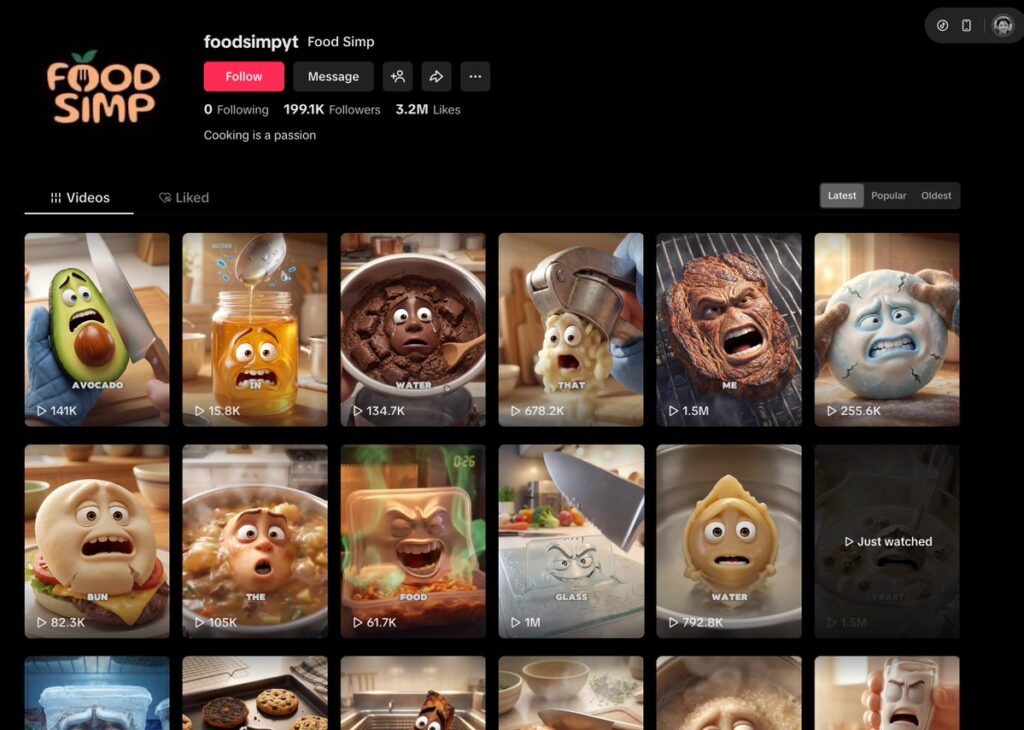
The best part? You don’t need animation skills or expensive software. Advanced AI tools in 2026 let beginners create pro-level videos in minutes — often for free. This ultimate beginner-friendly guide walks you through every step: from picking your object to going viral. Follow along, and you’ll have your first talking object video ready fast.
(Pro tip: These faceless videos are perfect for quick growth and monetization — many creators hit 100k+ followers in months.)
For more on scaling AI content creation, see AI Guides & Tutorials in 2026: Building Scalable Systems with Automation, AI Tools, and Smart Workflows.
Why Talking Object Videos Go Viral in 2026
- Super short (8–15 seconds) + instant emotional hook = viewers watch to the end (huge algorithm boost).
- Everyone relates: We’ve all battled a stubborn jar, over-squeezed ketchup, or left-open fridge.
- Mix of humor + mini-education (“Here’s how to use me right!”) makes them super shareable.
- Faceless format: No camera needed — ideal for shy creators or quick side hustles.
- AI makes it effortless: Tools now handle realistic lip-sync, emotions, and consistent characters at low cost.
Stats show these anthropomorphic explainers get 45–60% higher engagement than average shorts. Brands love them for product demos too (kitchen tools, cleaning hacks, gadgets).
Step-by-Step: Make Your First Viral Talking Object Video
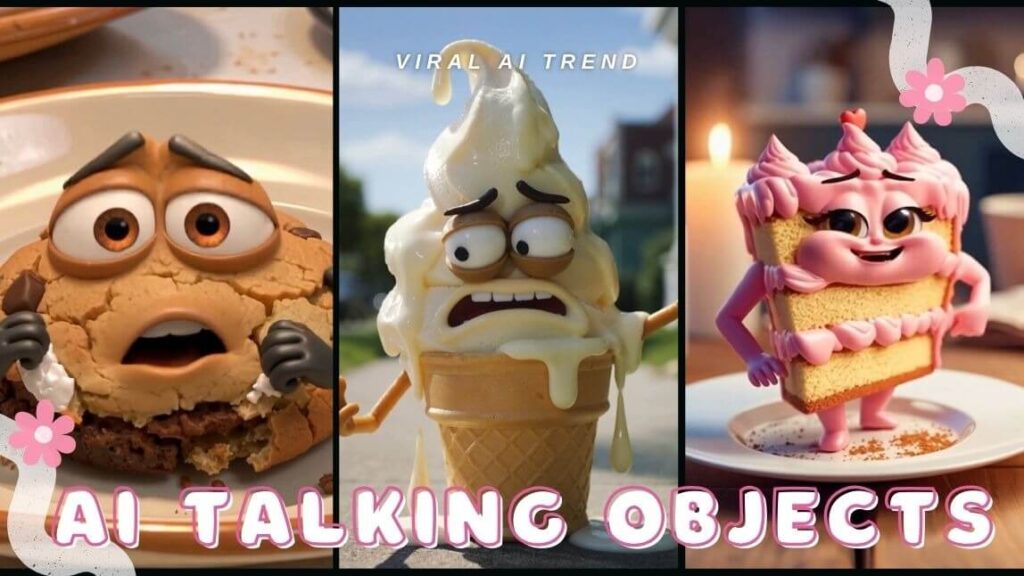
Step 1: Pick an Object & Write a Killer Script (5–10 Minutes)
Choose something people “fight” with daily: ketchup bottle, microwave, pillow, faucet, moldy fruit, wrench, etc.
Script rules:
- 40–80 words (fits 10–15 seconds).
- Start with a big hook (“WHY YOU?!”).
- Add viral phrases: WHY YOU, STOP, BACK, YOU’VE BEEN, MOLD, SCRUB, TURNS, OIL, WATER.
- End with a funny tip (“Pro tip: Squeeze gently!”).
Quick AI prompt (use Grok, ChatGPT, or Claude): “Create a sarcastic 12-second script for an angry ketchup bottle teaching proper squeezing. Include ‘WHY YOU’ and ‘STOP’. Make it hilarious, Pixar-style, with on-screen text ideas and big emotions.”
Step 2: Design Your Talking Character
Generate one expressive image of your object with cartoon eyes, mouth, and personality.
Top free/paid tools (2026):
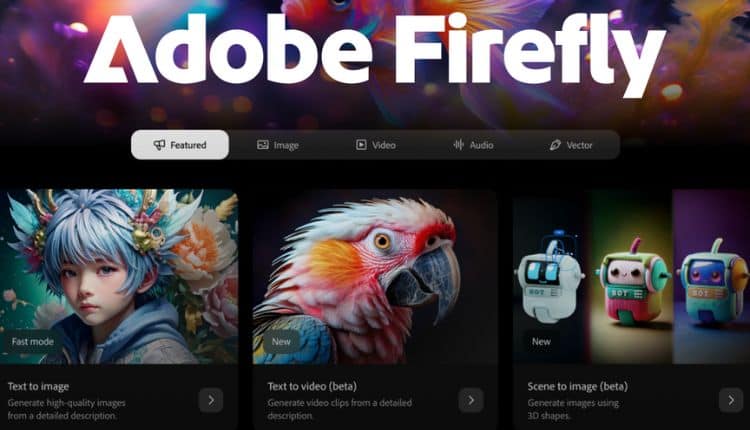
- Adobe Firefly → Best Pixar-style quality: firefly.adobe.com
- Neolemon → Perfect for consistent series characters: neolemon.com
- Midjourney or Flux (via Discord/Grok) → Fast creative results.
Example prompt: “Angry anthropomorphic ketchup bottle with big expressive cartoon eyes and mouth on label, frustrated face, red plastic body, kitchen background, Pixar animation style, ultra detailed, 4K.”
Step 3: Animate It & Sync the Lips
Bring the image to life with motion, expressions, and perfect dialogue sync.
2026 Best Tools Comparison:
| Tool | Best For | Lip-Sync | Price Start | Why It’s Great |
|---|---|---|---|---|
| Kling AI 2.6 | Talking characters + dialogue | ★★★★★ | $10–20/mo | Most realistic mouths & emotions |
| Hedra | Easy audio-to-lip-sync | ★★★★★ | Free tier + paid | Super simple for beginners |
| Runway Gen-4.5 | Full motion control | ★★★★ | $15/mo | Great physics & high-res output |
| Minimax | Unlimited free tests | ★★★★ | Free | Quick experiments without limits |
Quick workflow (Hedra or Kling):
- Upload your character image.
- Paste script or upload voice audio.
- Choose “talking/lip-sync” mode.
- Add motion: “Shakes angrily while complaining.”
- Generate — tweak if needed.
Sites: klingai.com/global | hedra.com | runwayml.com
Step 4: Add Voice & Sound Effects
Make it sound alive!
- ElevenLabs → Most natural emotional voices (sarcastic, angry cartoon tones).
- Built-in TTS in Hedra/Kling/Colossyan.
- Free effects: CapCut library or Epidemic Sound.
Tip: Generate audio first → feed to animation tool for perfect sync.
Step 5: Polish & Make It Pop
Final edit in CapCut (free & powerful):
- Add viral text overlays (“578K views”, emojis, arrows).
- Trending sound or dramatic music.
- Zoom on face for emotion.
- End screen: “Which object next? Comment!”
Step 6: Publish & Hack the Algorithm
- Post on TikTok first → cross-post to YouTube Shorts & Reels.
- Hashtags: #TalkingObjects #AIAnimation #ViralShorts #GrouchyObjects #AIArt
- Title examples: “Why You Squeeze Me Like THAT?! 😂 #Ketchup”
- Time it for peak hours in your audience zone.
- Reply to first comments → boosts engagement.

Advanced Tips to Level Up Fast
- Build a series: Same character weekly (use Neolemon for consistency).
- Multi-object battles: Composite clips in CapCut.
- 3D Pixar vibe: Combine with Veo or advanced Kling settings.
- Test 5–10 versions → post the highest-retention one.
Avoid These Rookie Mistakes
- Lips out of sync → Always use audio-first workflow.
- No strong hook → Start with extreme expression in 1–2 seconds.
- Boring voice → Pick emotional ElevenLabs preset.
- Too long → Cut to <15s ruthlessly.
Monetization & Growth Hacks
- Join TikTok/YouTube Shorts funds.
- Sell prompt packs or templates.
- Brand deals (kitchen brands love these demos).
- Consistent posting (3–5x/week) → explosive growth possible.
Best Free Tutorials to Watch Right Now
- “How to Create Viral Talking Object AI Videos 2026” → Search YouTube for latest (e.g., demos with Kling + Hedra).
- “Make VIRAL Object Talking Videos FREE in Minutes” → Tons of 2026 beginner guides.
Pick one object that’s annoying you right now (ketchup? fridge? that moldy lemon?) and try Step 1 today. What’s your first talking object idea? Drop it in the comments — I’ll help refine the script or prompt! Let’s make your next video go viral in 2026. 🚀
If you’re serious about turning AI-created shorts into real growth and income, here are the next must-read guides on AiSocialTools:
– Social Media Growth in 2026: Key Trends, Strategies, and Tools
Discover the biggest platform shifts, algorithm hacks, and tool stack that top creators are using right now to 10× their reach.
Learn how to automate 80% of your content pipeline — from idea generation to posting and analytics — so you can produce daily without burning out.
– AI Tools Reviews in 2026: How to Choose the Best AI Tools for Growth, Automation, and Productivity
In-depth comparisons of 50+ tools (including the ones mentioned here), real pricing breakdowns, pros/cons, and which ones give the highest ROI for creators and small businesses in 2026.
Leave a Reply