




In 2026, the biggest complaint I hear from creators, freelancers, solopreneurs, and busy professionals isn’t “I don’t have ideas” — it’s “I don’t have time.”
Calendars fill up with meetings. Deep work gets interrupted. Recording a simple voiceover takes hours because you’re waiting for the perfect take or fighting background noise.
What if two AI tools could solve both problems at once?
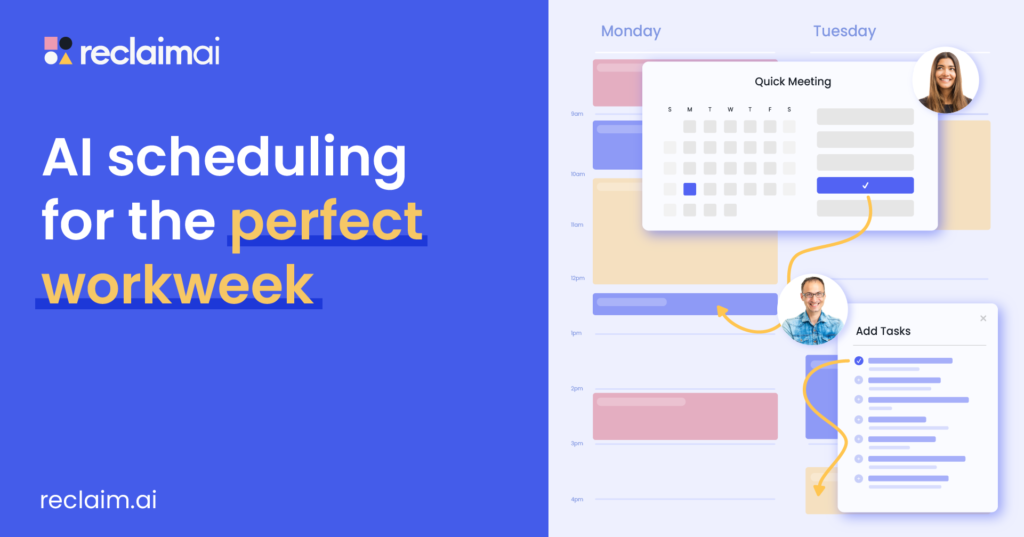
Reclaim.ai automatically protects your focus time, schedules habits, and reshuffles your calendar so you actually get things done. ElevenLabs turns any script into studio-quality voiceovers, clones your voice, adds music and sound effects, and lets you produce podcasts, videos, or audiobooks in minutes instead of hours.
This isn’t a sales pitch. This is a complete, step-by-step tutorial on how to use both tools together in one seamless workflow. You’ll walk away knowing exactly how to set them up, integrate them into your daily routine, and 2–3x your output without burning out.
Let’s dive in.
Section 1: Why Your Calendar Is Broken — And How Reclaim.ai Fixes It
Traditional calendars are passive. You manually drag events around, forget to block lunch, and suddenly your “deep work” block gets eaten by a last-minute meeting.
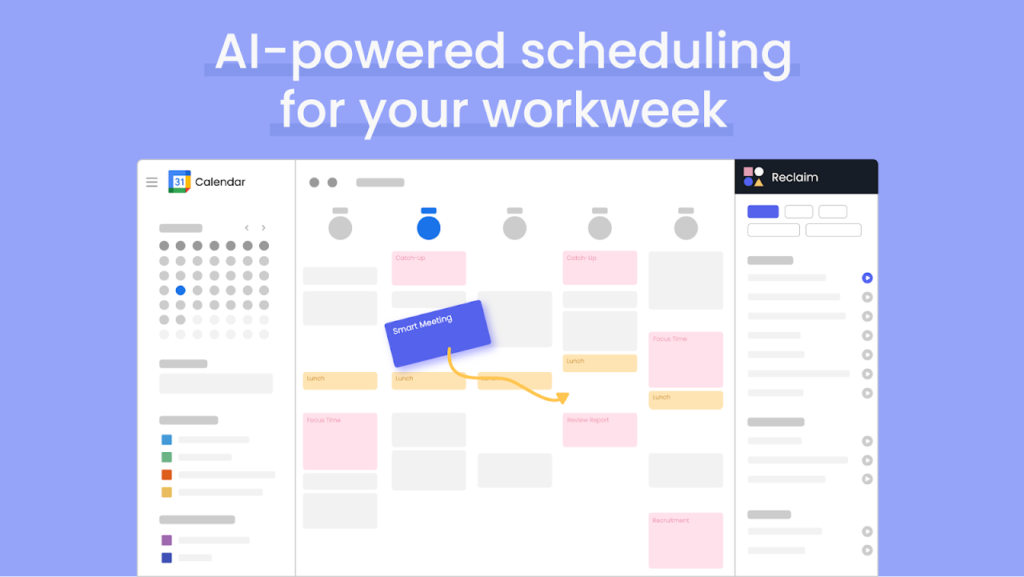
Reclaim.ai is an active AI scheduler that connects to Google Calendar or Outlook and works in the background 24/7.
Key superpowers (2026 version):
- Focus Time defense — Set a daily goal (e.g., 90 minutes) and the AI automatically blocks it, moving lower-priority events if needed.
- Smart Task & Habit Scheduling — Pulls tasks from Asana, ClickUp, Todoist, Jira, Linear, or Google Tasks and slots them into your calendar with realistic time estimates.
- Meeting optimization — Finds the best times across everyone’s calendars, suggests shorter durations, and protects lunch/breaks.
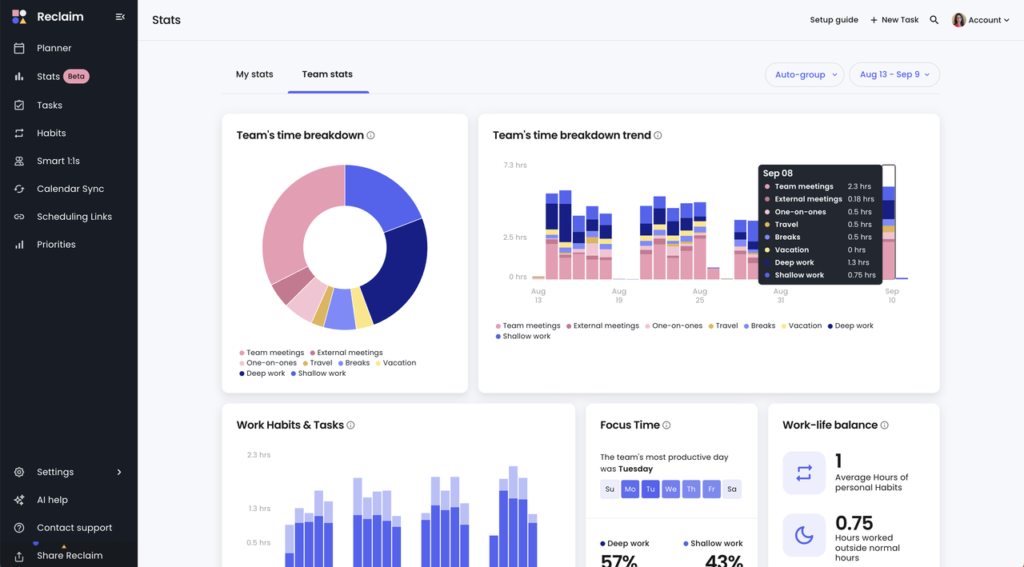
- Analytics dashboard — Shows exactly where your time goes (meetings vs. focus vs. context switching) with weekly reports.
- Real-world results: Users save an average of 7.6 hours per week, increase focus time by up to 50 %, and reduce overtime by 4+ hours.
Step-by-Step Setup Tutorial for Reclaim.ai (Takes 10–15 minutes)
- Go to Reclaim.ai and click “Sign up free” (or use your affiliate link for bonus credits if you have one).
- Connect your Google or Outlook calendar. The free Google Calendar add-on works great to start.
- Set your Focus Time goal — I recommend starting with 60–120 minutes per day. Choose “High priority” so the AI defends it aggressively.
- Add recurring habits: Lunch (30–60 min), exercise, email batching, weekly review. Reclaim has hundreds of AI-generated habit templates (Marketing, Engineering, Creator, etc.).
- Connect your task manager (Asana/ClickUp/etc.). Turn on “Auto-schedule tasks” and set priorities.
- Let the AI run for 24–48 hours — it learns your patterns and starts optimizing automatically.
Pro tip: In the Settings → Meeting Controls, enable “Reduce meeting load” and “Smart availability sharing.” You’ll instantly look more professional when people try to book you.
After one week you’ll open your calendar and actually see white space again. That white space is where the magic with ElevenLabs happens.
Ready to reclaim your calendar right now? Start your free trial with Reclaim.ai here (partner link) (30 % off Starter/Business plans is often running for new users — check the page.)
Section 2: ElevenLabs — From Text to Human-Like Audio in Minutes
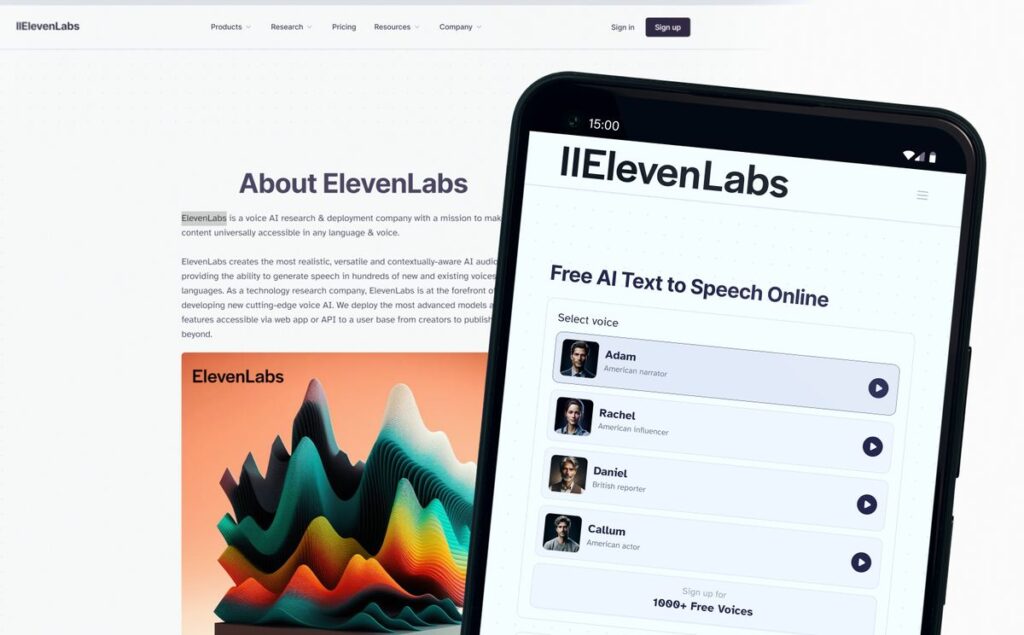
ElevenLabs is no longer “just” the best text-to-speech tool. In 2026 it’s a full creative studio:
- Ultra-realistic TTS in 70+ languages (Eleven v3 is the most expressive model yet)
- Instant voice cloning (30 seconds of your voice = your personal AI narrator)
- Dubbing Studio for localizing videos/podcasts
- Projects editor with built-in music generation, sound effects, voice changer, and now image/video tools
- API + Agents for automation
- Speech-to-Text (Scribe v2) with 98 % accuracy and speaker diarization
Audio text by ElevenLabs
Creators use it for:
- Podcast episodes (clone your voice or use premium voices)
- YouTube voiceovers (no mic needed)
- Audiobooks
- Multilingual content
- Personalized customer videos
Step-by-Step: Your First Professional Voiceover in Under 10 Minutes
- Go to elevenlabs.io and create a free account (10,000 characters/month is plenty to test).
- In the left menu → Text to Speech.
- Paste your script (or use the built-in script generator).
- Choose a voice:
- Library (10,000+ voices)
- Your cloned voice (Voice Lab → Instant Clone — upload 30–60 sec clean audio)
- Or design a new voice with text prompt (“warm female British narrator, slight smile”)
- Tweak settings:
- Stability: 0.75–0.9 for natural flow
- Clarity + Similarity: higher for your clone
- Add emotion tags: [excited], [whispers], [laughs], [sarcastically]
- Hit Generate → download MP3/WAV.
- For longer projects: Switch to Projects → create a new podcast/audiobook project. Add chapters, background music (generated from prompt!), sound effects, and export the whole thing.
Advanced trick 2026: Use Eleven Flash model for ultra-low latency if you’re building real-time agents or video dubbing.
Want to try ElevenLabs with my recommended partner link? Get started with ElevenLabs here (affiliate link) (You’ll get your personal dashboard instantly and can upgrade later when you’re hooked.)
Section 3: The Killer Workflow — Reclaim.ai + ElevenLabs = 10x Creator Output
Here’s how the two tools work together in real life (my exact system as a content creator):
Weekly rhythm:
- Monday morning: Reclaim.ai has already blocked 4 × 90-minute “Deep Creation” blocks for the week (high priority, defended).
- Inside each block:
- Open script (Notion or Google Doc).
- Paste into ElevenLabs Projects.
- Generate full episode with cloned voice + generated intro music + sound effects.
- Review & tweak (usually 10–15 min because the AI is so good now).
- Export and drop into your editing software (or let ElevenLabs handle the whole audio file).
Result:
- What used to take 4–6 hours of recording + editing now takes 45–60 minutes.
- You sound consistent every episode (even if you have a cold).
- You can produce 3–4 episodes in the time you used to do one.
Example use cases:
- Podcaster: Reclaim blocks recording slots → ElevenLabs generates 80 % of the episode from outline → you only record intro/outro.
- YouTuber: Script video → ElevenLabs voiceover in your cloned voice → add B-roll (or use ElevenLabs new video tools).
- Newsletter writer: Turn long-form email into audio version for paid subscribers in 8 minutes.
- Course creator: Record once, clone voice, generate 5 language versions automatically.
Automation bonus: Use Reclaim webhooks + ElevenLabs API to auto-generate voiceovers when a new task is marked “Content Ready.”
Advanced Tips & Best Practices (2026 Edition)
Reclaim.ai pro tips:
- Set different Focus Time targets for different days (e.g., Monday = heavy creation, Friday = admin).
- Use “Travel time” and “Buffer time” features so you never run late.
- Review the weekly analytics every Sunday — adjust priorities based on real data.
ElevenLabs pro tips:
- Always clone your own voice for authenticity (listeners notice).
- Use the new Expressive Mode in Agents for interactive content.
- Combine with Scribe (speech-to-text) → edit transcript → regenerate improved version.
- For music: Prompt “upbeat electronic intro, 15 seconds, no lyrics” and it drops perfectly into Projects.
Common mistakes to avoid:
- Don’t set too many high-priority habits in Reclaim — the AI will fight itself.
- In ElevenLabs, don’t over-stabilize (sounds robotic). 0.8 is usually perfect.
- Test on mobile — both tools have excellent apps now.
Real Results People Are Seeing in 2026
- Sarah (freelance writer) → went from 1 podcast/month to 4, reclaimed 9 hours/week.
- Mike (YouTube creator, 50k subs) → produces 3 faceless videos/week using cloned voice + ElevenLabs video tools.
- Team of 8 at a SaaS startup → Reclaim cut meeting time 22 % and everyone now has protected creation blocks.
Ready to Stop Losing Time?
You now have the complete playbook.
- Set up Reclaim.ai and protect your deep work blocks.
- Set up ElevenLabs and clone your voice.
- Combine them and watch your output explode while your stress drops.
Don’t wait for “next week.” The tools are better than ever in 2026.
Take action right now:
Reclaim your calendar and start protecting focus time → (partner link)
Generate your first professional voiceover in minutes → (partner link)
Drop a comment below with your biggest time-management struggle or your favorite ElevenLabs voice — I read every single one.
Here’s to more white space on your calendar and more finished projects in 2026.
— Your friendly AI-powered creator guide
Leave a Reply